Make the metres matter.
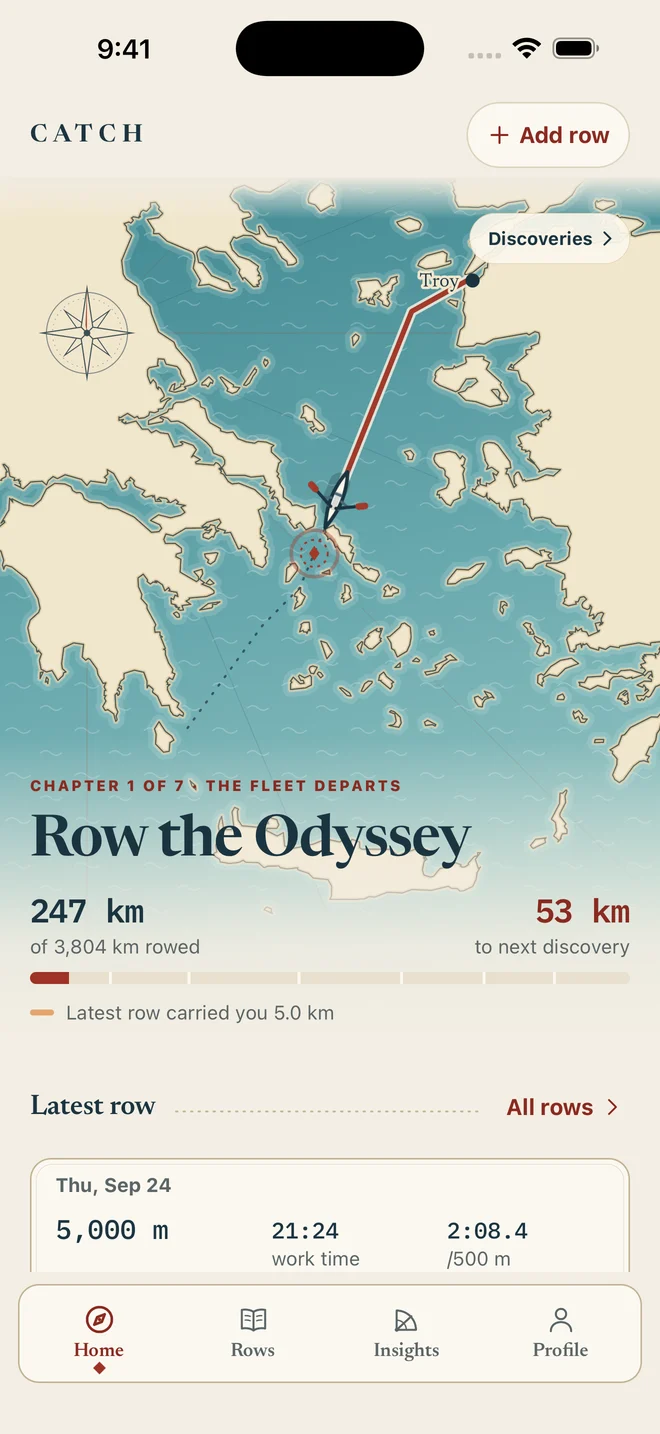
Your rowing distance moves you along a voyage. See where you are, what you’ve reached and how far to your next discovery.
A rowing companion for iPhone
Track your indoor rowing. Turn your distance into a voyage, with discoveries along the way and a clearer view of your own progress.
Something to come back for
Your rowing distance moves you along a voyage. See where you are, what you’ve reached and how far to your next discovery.
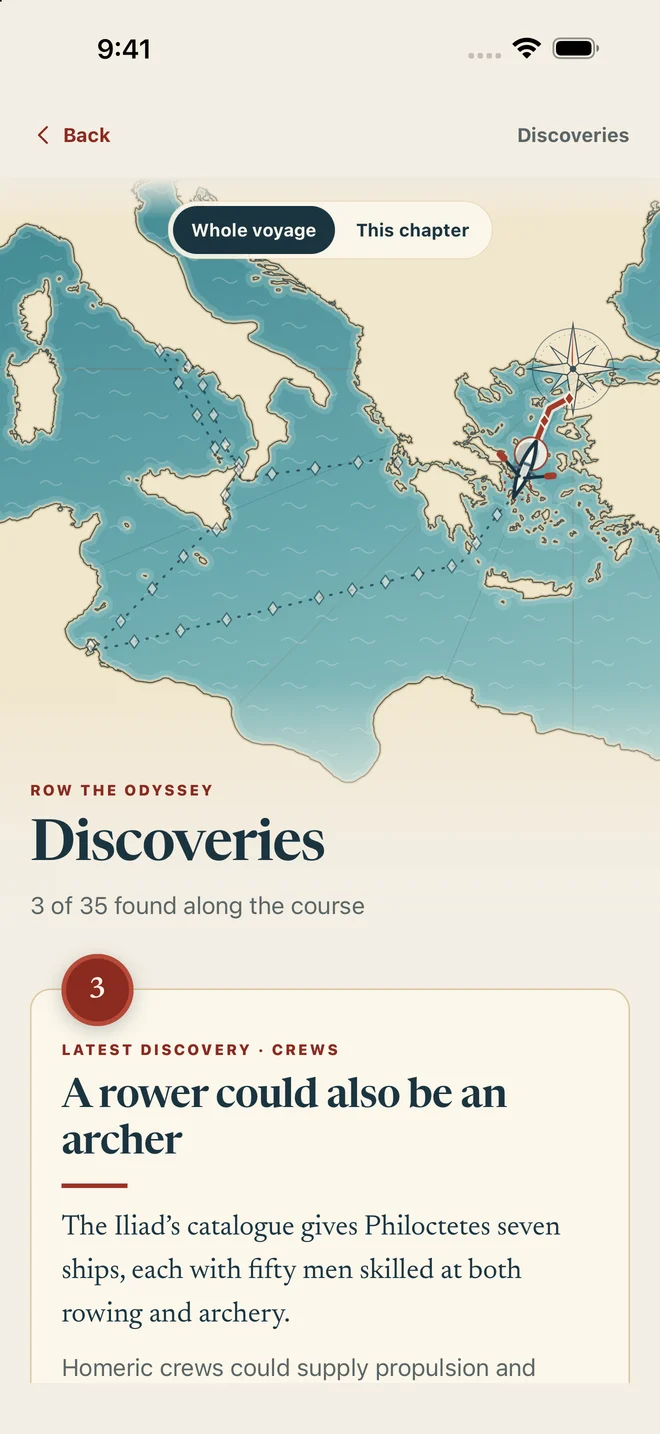
Discover the crews, boats and places behind the myths. Small, interesting things to learn as your distance adds up.
Compare similar rows, recognise personal bests and find the patterns in the rowing you actually do.
The journey is yours
Choose a short voyage or take on a longer route inspired by myth. There’s no deadline. Each row takes you a little further.
Import workouts from your Concept2 Logbook after rowing with ErgData or saving them to your logbook.
Follow your distance along the route, through chapters and towards your next discovery.
Unlock bite-sized facts about life on the water and the world behind the myths.
Example rowing history.
More than a logbook
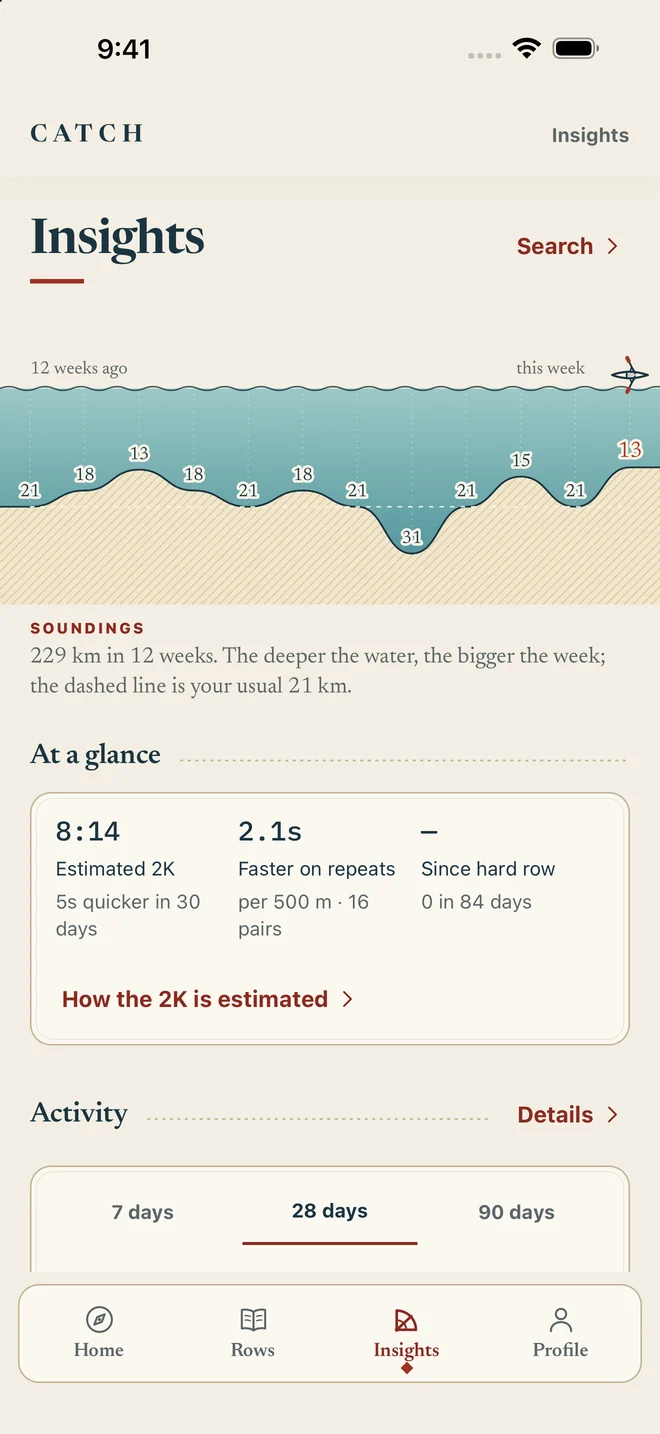
See your rowing totals and trends together. Compare the last 7, 28 or 90 days, with the important metrics visible from the start.
Available metrics depend on your workout data. Detailed charts need measured samples; comparisons need enough relevant history.
A closer look at your rowing
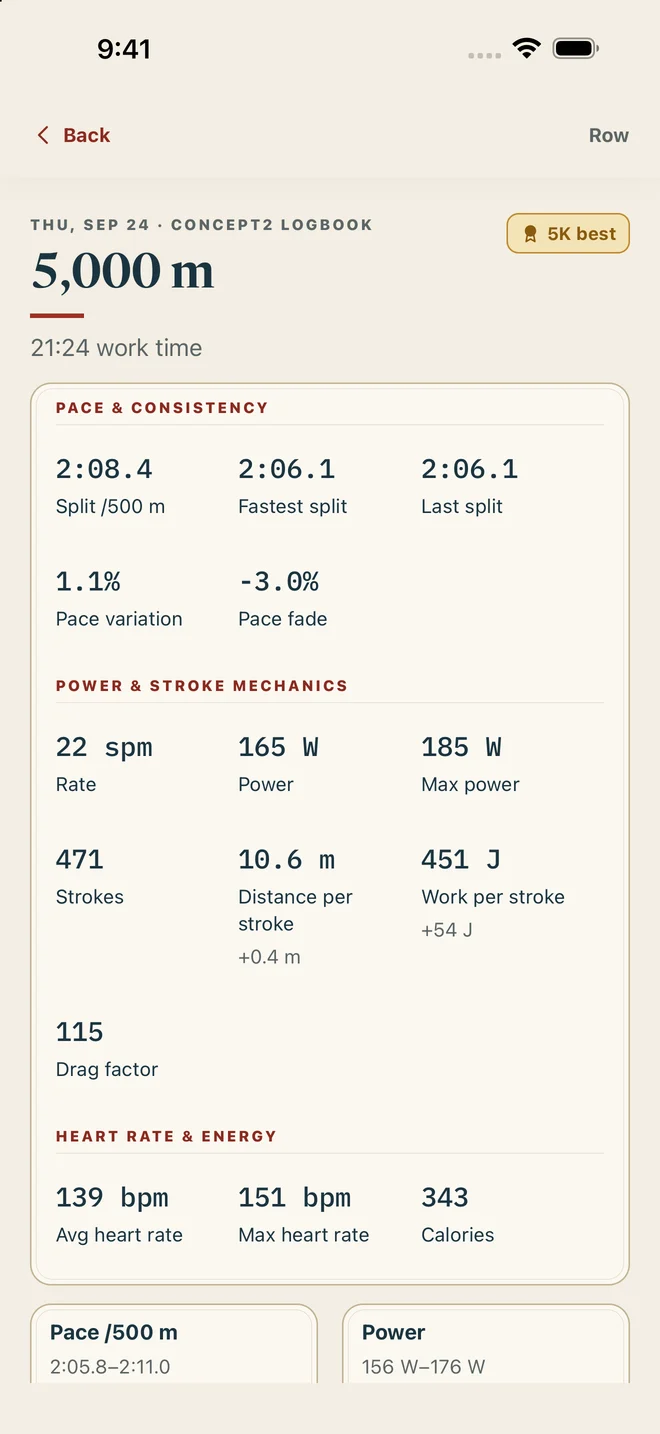
See how a row compares, how you paced it and which milestones you’ve reached.
See pace, power, stroke rate and heart rate together, with charts right below your row’s totals.
See your lifetime rowing totals and celebrate completed voyages alongside the one you’re rowing now.
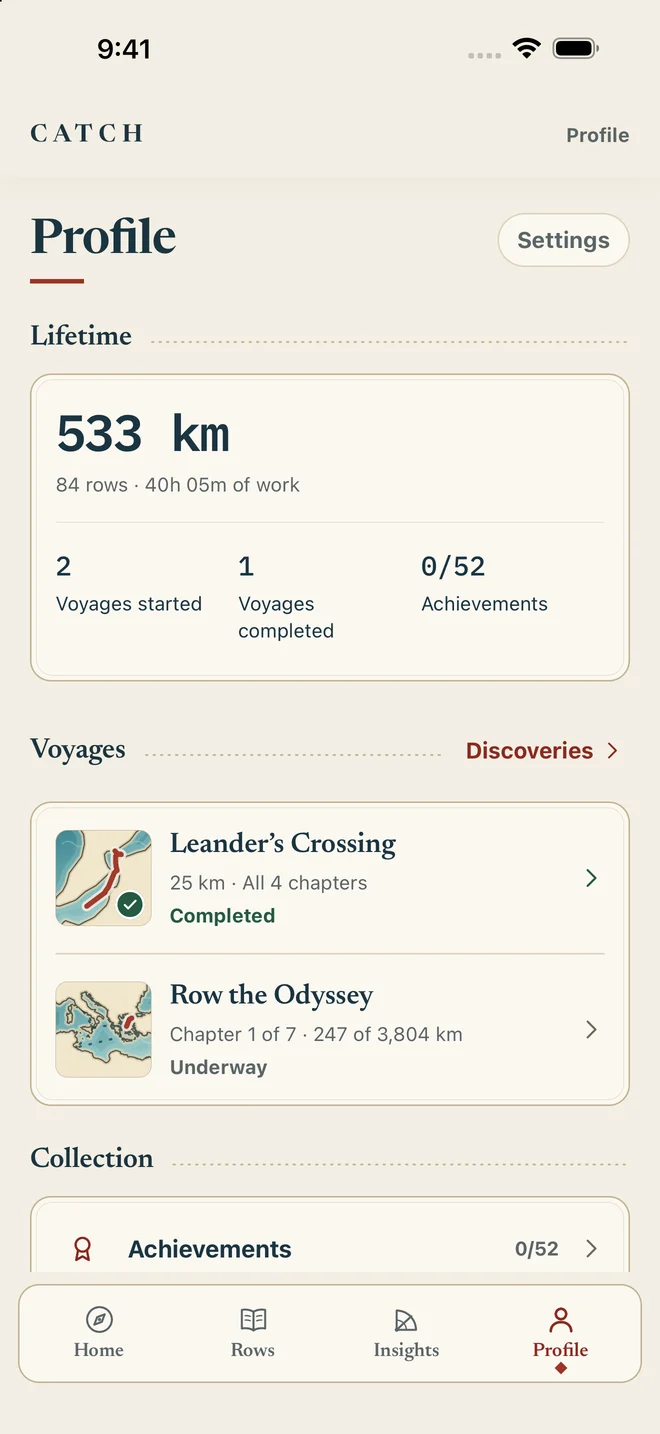
Find your fastest rows at standard distances, with dates and improvements.
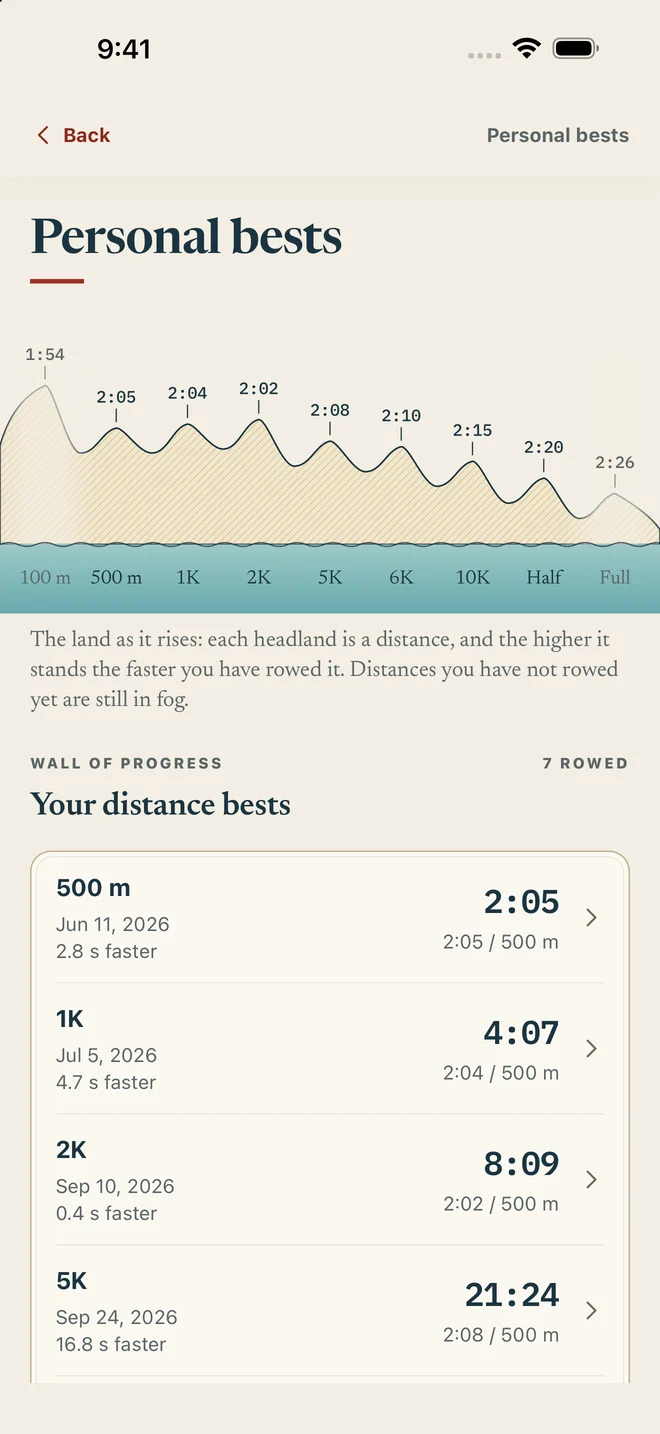
Actual app screens with example rowing history. Select a screen for a closer look.
Before your next row
Catch imports completed workouts from your Concept2 Logbook. Record with ErgData or save to your logbook first, then import into Catch. Catch does not connect directly to rowing hardware or record live workouts.
Yes. You can add a row manually with its distance and duration. Manual rows provide summary metrics; measured split and heart-rate charts require imported data that includes those measurements.
Your imported history, profile and insights are stored on your device. Optional Concept2 authorisation uses a small token-exchange service. Read our privacy policy for the details, including exports and deletion.
Yes. In Catch, go to Profile → Settings → Export all rows to create a CSV and choose where to save or share it.
Catch is being prepared for its first App Store release. For questions, contact support.
Catch for iPhone. Coming soon.